
Support
Before lodging a ticket you might want to check out some of our trouble shooting articles at the bottom of the page - otherwise fill out the below form to lodge a support ticket with our team.
Make sure to give us as much detail as possible to help us resolve your issue as quick as we can!
Make sure to give us as much detail as possible to help us resolve your issue as quick as we can!
If you're having trouble setting up a brand new Playtech PC, click here.
If you're looking for our returns, refund & warranty policy - click here.
If you're looking for our returns, refund & warranty policy - click here.
Troubleshooting Articles
Check out these blog posts that might help you fix your PC issues.
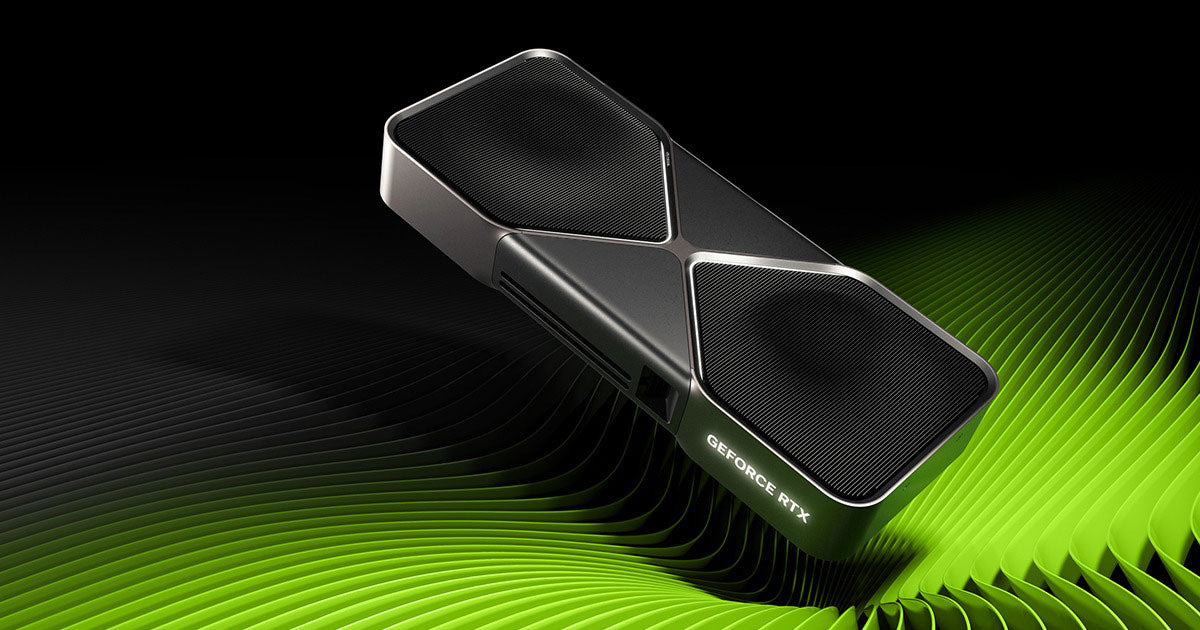
Nvidia Studio Drivers vs Game Ready Drivers – Which One Do You Need?
When it comes to Nvidia graphics cards, there are two different driver options available: Game Ready Drivers and Studio Drivers. Both are built on the same core technology, but they’re optimised for very different users. At Playtech, we make sure your...
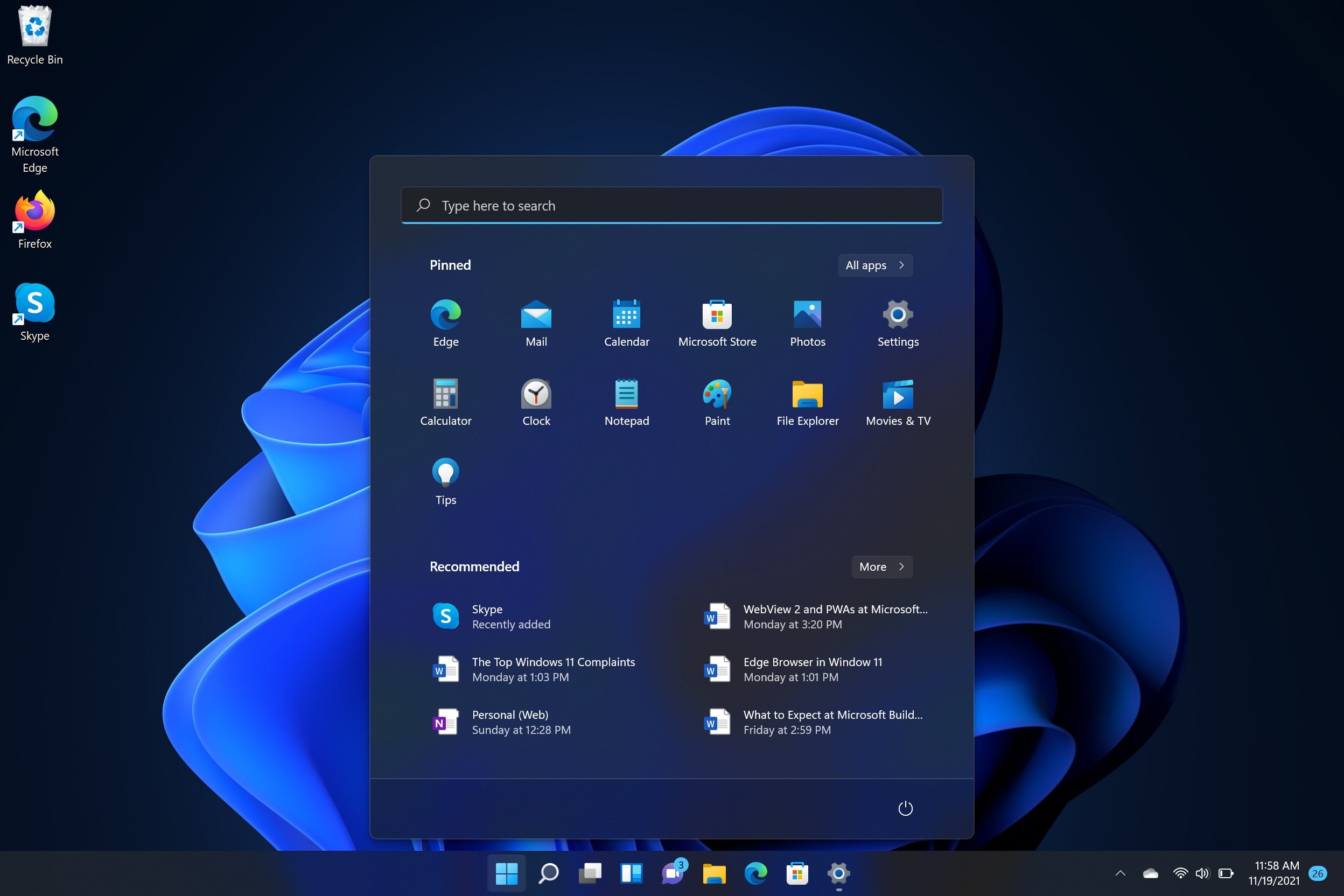
Adding A New User Account to your Playtech PC
Want to personalize your Playtech PC with your own name and gain full administrator access? We’ve got you covered! 💻✨ We’ve created a simple, step-by-step PDF guide to walk you through the process of adding a new user account to...
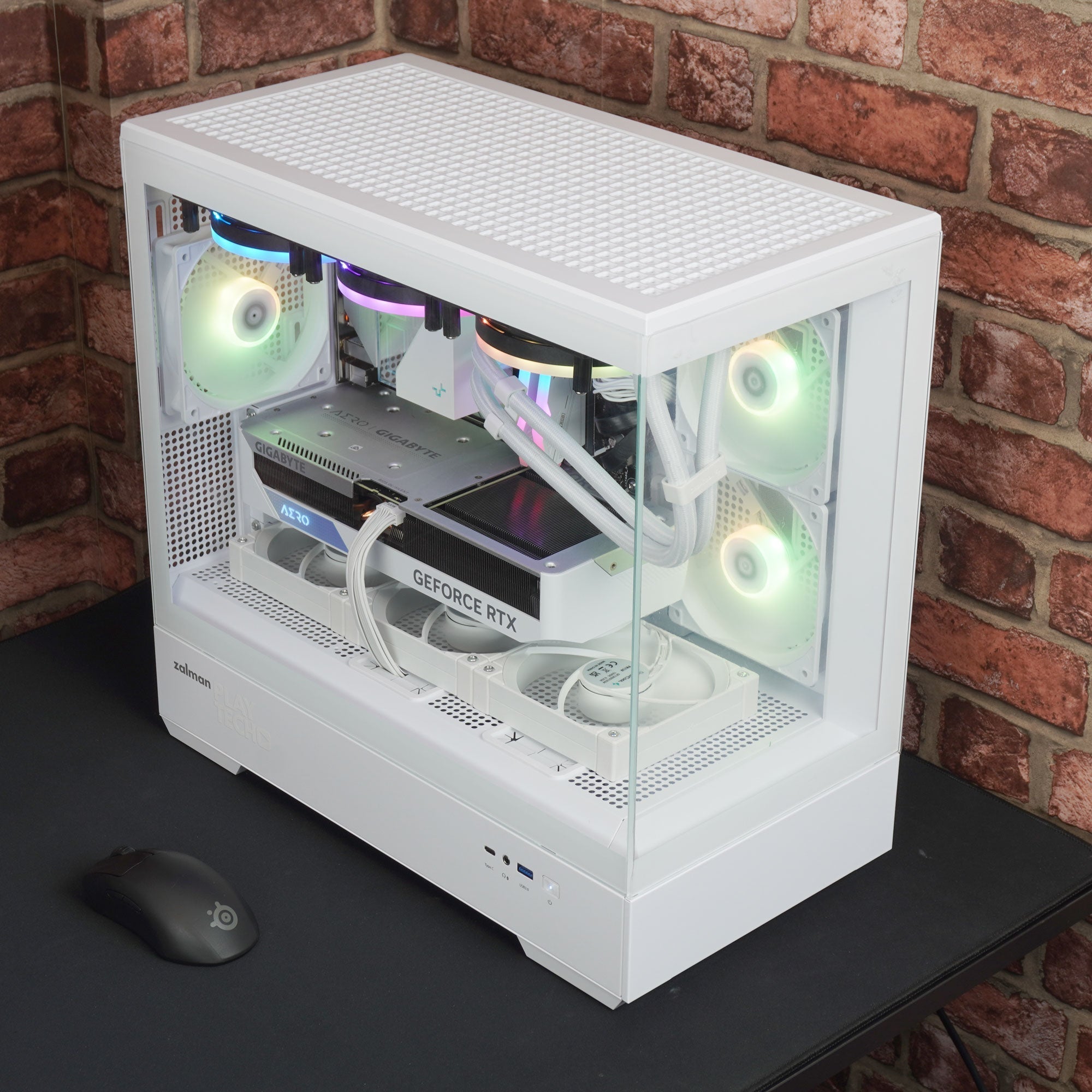
How to Remove the Side Panel from Your Playtech Gaming PC
Whether you’re upgrading components, cleaning dust out, or just curious about what’s inside your Playtech gaming rig, knowing how to safely remove the side panel is the first step. At Playtech, we use a few different chassis designs depending on...
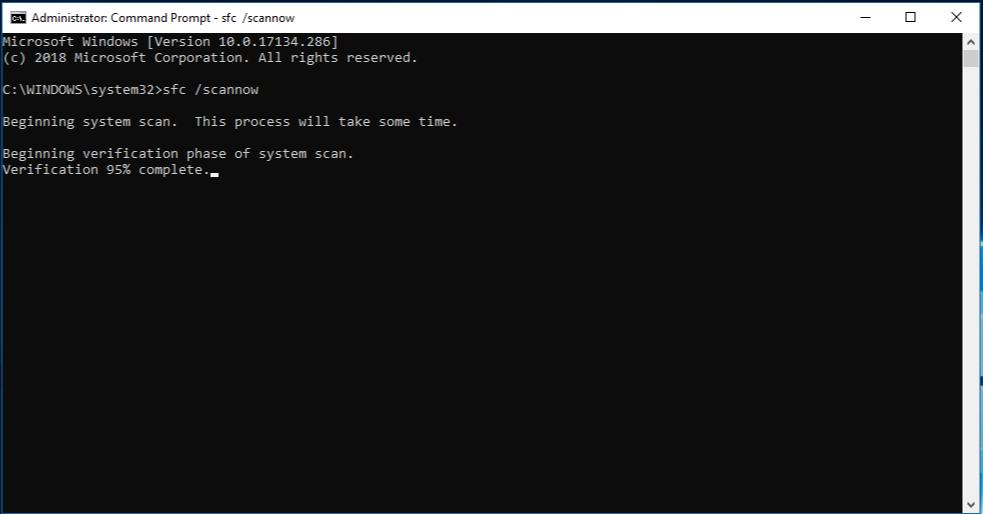
How to Use the System File Checker Tool in Windows 10 or 11
How to Use the System File Checker Tool in Windows 10 or 11 Is your Windows system acting up? Missing or corrupted system files could be the culprit. Luckily, Windows provides a handy tool called the System File Checker (SFC)...
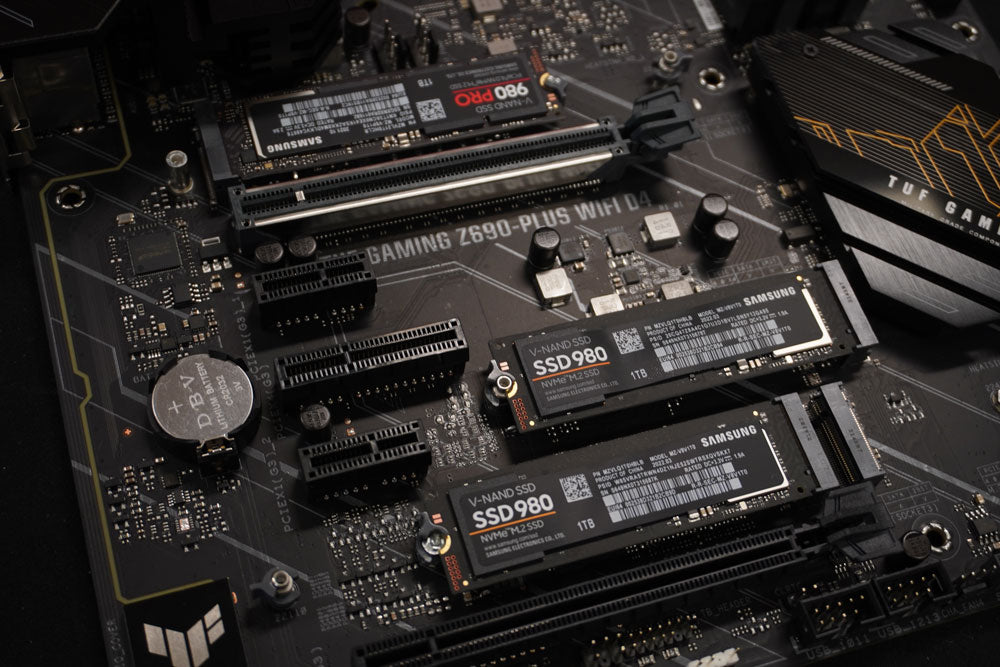
How to identify your Motherboard
Join us as we use a free tool called CPU-Z to figure out what kind Motherboard we have!
This is great for troubleshooting or upgrading your BIOS firmware.
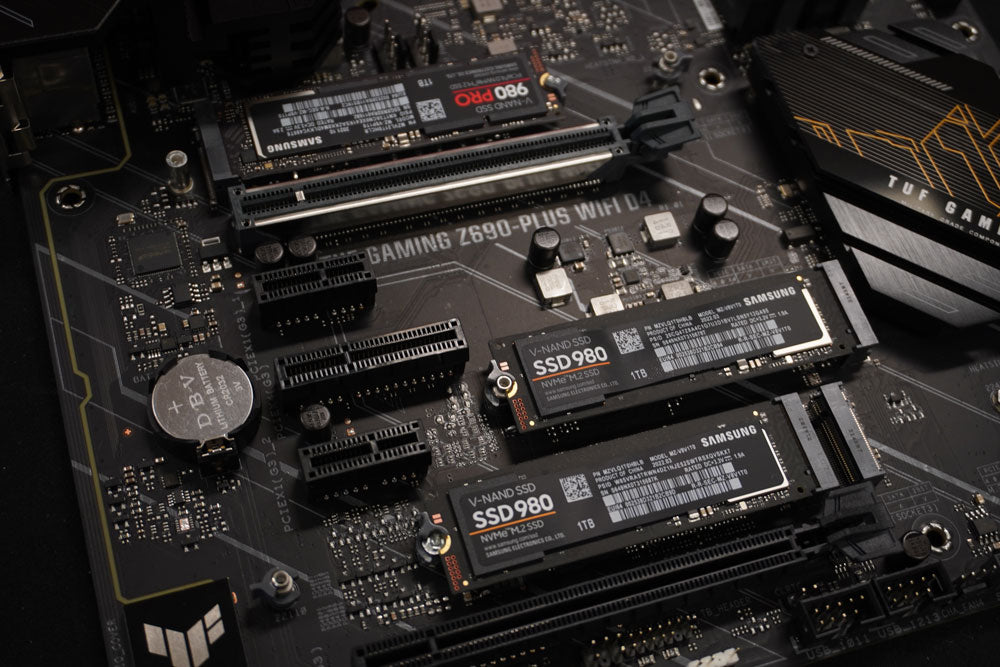
A PC motherboard's BIOS (Basic Input/Output System) firmware is a small piece of software that runs every time you start up your computer. It serves as the interface between your computer's hardware components and its operating system, allowing your computer...
What does "Lifetime Tech Support" mean?
You may have seen that we recently began offering Lifetime Tech Support on our PCs!First of all, let's just be clear - we mean the lifetime of the PC, not the lifetime of you!But what is the lifetime of a...
Setting up your new Playtech PC
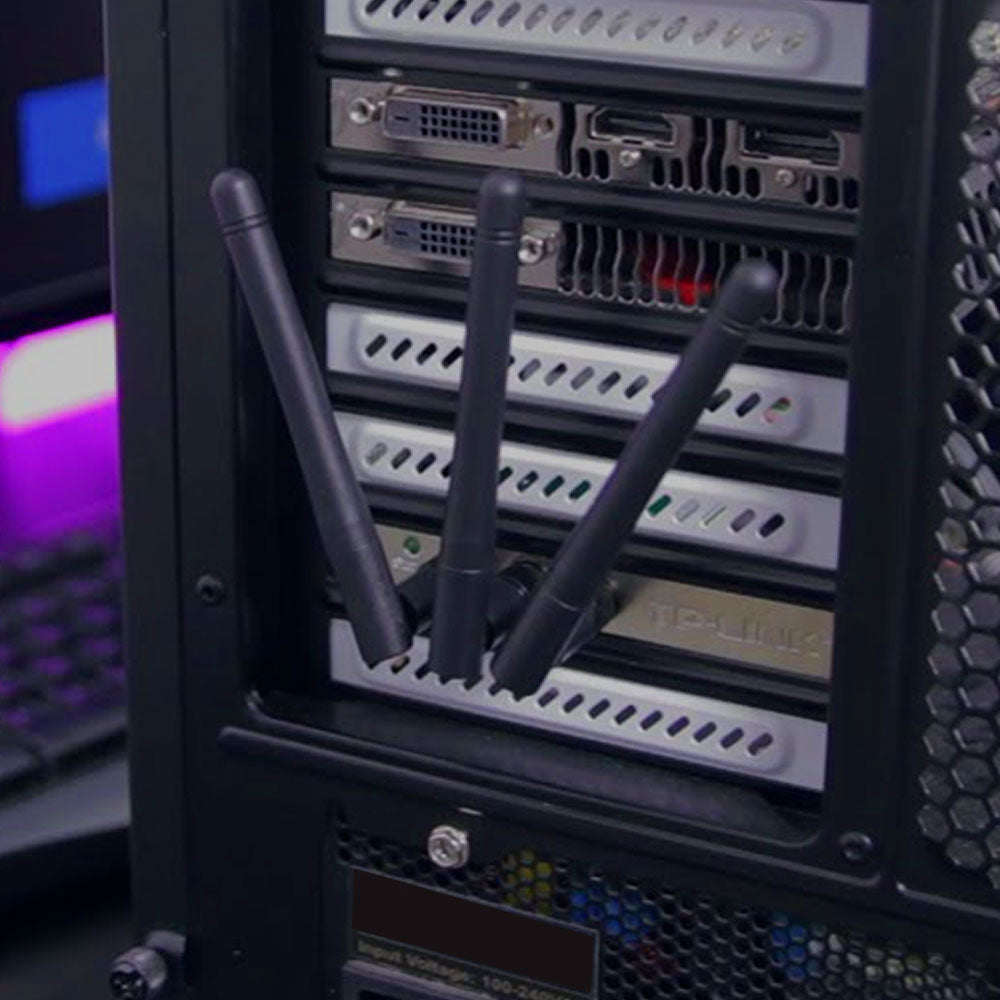
In order to get you up and running as soon as possible, we've put together a quick 5 minute video guide on how to set up your new Playtech system!
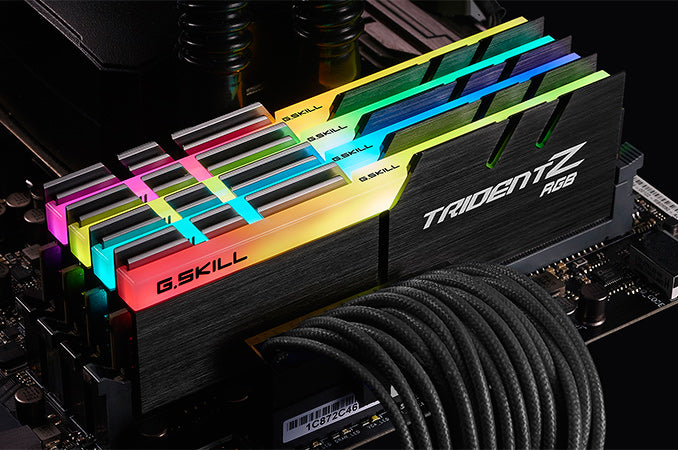
Join us in this quick video that details some of the ways to troubleshoot your system's RAM!

Have you received the wrong item?
Sometimes we packaged products inside empty old boxes to protect them in transit - check out this video where Greg explains what to do if you think you've received the wrong product!
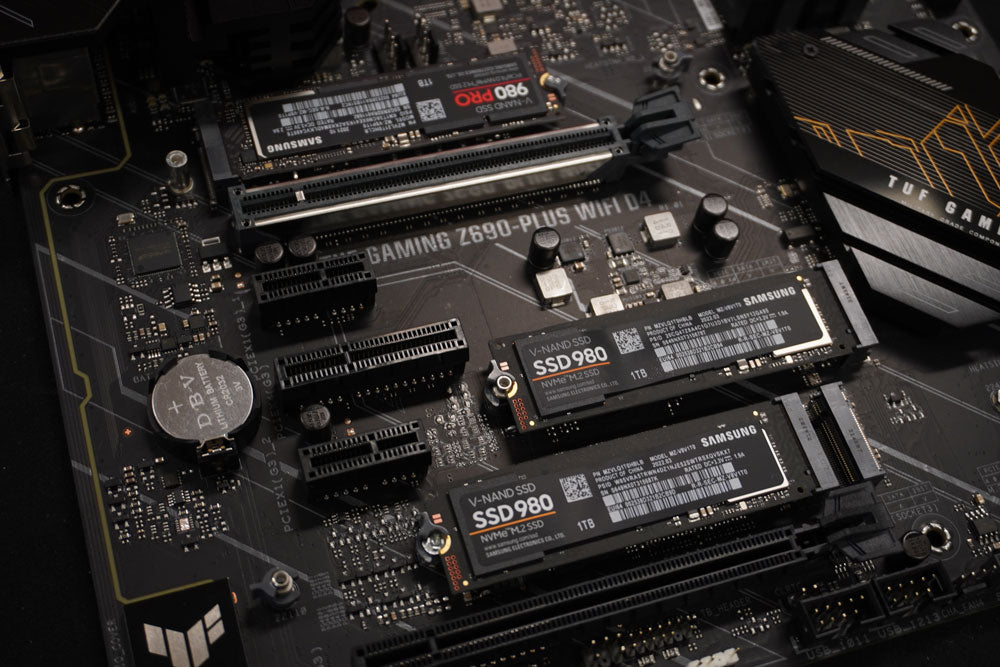
Join us in this short video where we show you how to reset the BIOS settings on your motherboard.
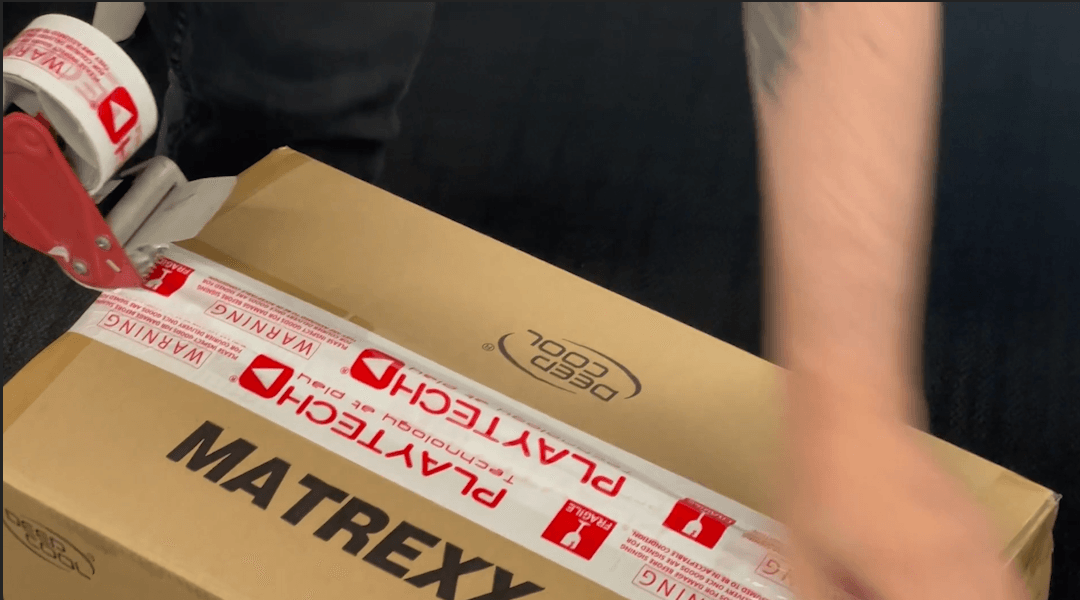
When you purchase a Playtech PC, we highly recommend retaining the original box and packaging materials, including protective components such as polystyrene inserts and Instapak expanding foam. Keeping these materials ensures a safer and more efficient process should your PC...