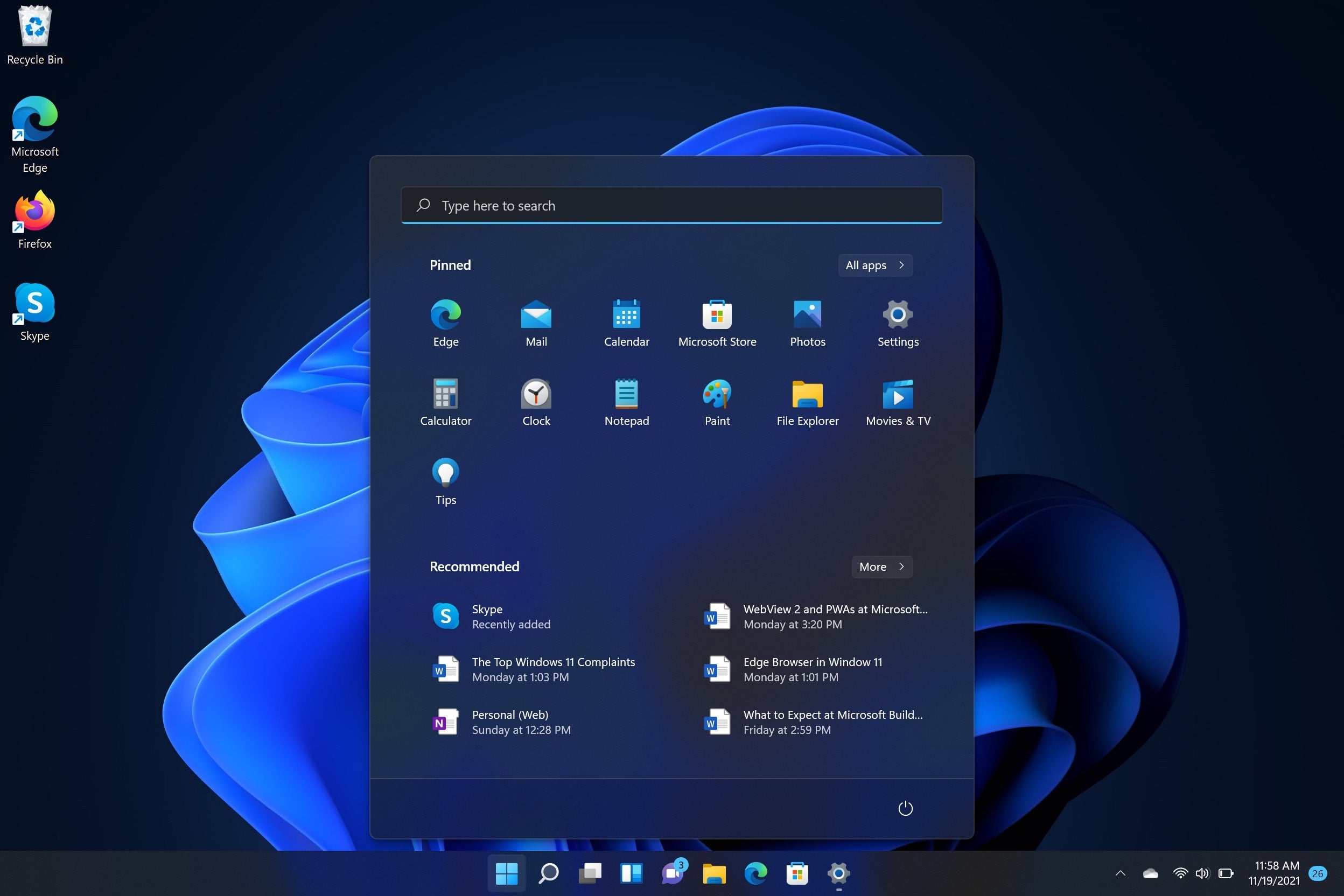
Want to personalize your Playtech PC with your own name and gain full administrator access? We’ve got you covered! 💻✨
We’ve created a simple, step-by-step PDF guide to walk you through the process of adding a new user account to your system. Whether you're setting up your PC for the first time or just want to make it truly yours, this guide will help you do it quickly and easily.
<div class="dynamic-checkout__content" id="dynamic-checkout-cart" data-shopify="dynamic-checkout-cart"> <shopify-accelerated-checkout-cart wallet-configs="[{"name":"shop_pay","wallet_params":{"shopId":46114341028,"merchantName":"Playtech","personalized":true}}]" access-token="c49453865049567eee623d5e553d7ba2" buyer-country="NZ" buyer-locale="en" buyer-currency="NZD" shop-id="46114341028" cart-id="fdcbafb17e4266600b16bd9117a26ee3" enabled-flags="["ae0f5bf6"]" > <div class="wallet-button-wrapper"> <ul class='wallet-cart-grid wallet-cart-grid--skeleton' role="list" data-shopify-buttoncontainer="true"> <li data-testid='grid-cell' class='wallet-cart-button-container'><div class='wallet-cart-button wallet-cart-button__skeleton' role='button' disabled aria-hidden='true'> </div></li> </ul> </div> </shopify-accelerated-checkout-cart> <small id="shopify-buyer-consent" class="hidden" aria-hidden="true" data-consent-type="subscription"> One or more of the items in your cart is a recurring or deferred purchase. By continuing, I agree to the <span id="shopify-subscription-policy-button">cancellation policy</span> and authorize you to charge my payment method at the prices, frequency and dates listed on this page until my order is fulfilled or I cancel, if permitted. </small> </div>
Choosing a selection results in a full page refresh.
Share:
How to Remove the Side Panel from Your Playtech Gaming PC
Nvidia Studio Drivers vs Game Ready Drivers – Which One Do You Need?