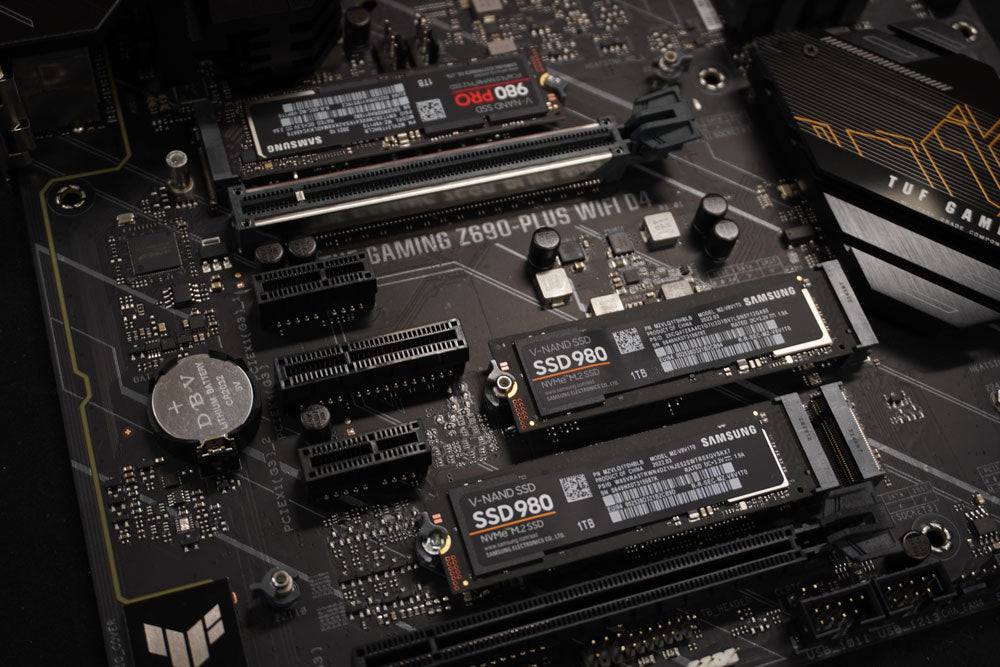
How to identify your Motherboard
Written By Simon W. - Senior PC Technician and Industry Veteran
Join us as we use a free tool called CPU-Z to figure out what kind Motherboard we have!
This is great for troubleshooting or upgrading your BIOS firmware.
<div class="dynamic-checkout__content" id="dynamic-checkout-cart" data-shopify="dynamic-checkout-cart"> <shopify-accelerated-checkout-cart wallet-configs="[{"supports_subs":true,"supports_def_opts":false,"name":"shop_pay","wallet_params":{"shopId":46114341028,"merchantName":"Playtech","personalized":true}}]" access-token="c49453865049567eee623d5e553d7ba2" buyer-country="NZ" buyer-locale="en" buyer-currency="NZD" shop-id="46114341028" cart-id="4625548b2a2ef22bfd55c98b57a05971" enabled-flags="["a1d1f9a1","f5afabb3","370070f3","b311f899"]" > <div class="wallet-button-wrapper"> <ul class='wallet-cart-grid wallet-cart-grid--skeleton' role="list" data-shopify-buttoncontainer="true"> <li data-testid='grid-cell' class='wallet-cart-button-container'><div class='wallet-cart-button wallet-cart-button__skeleton' role='button' disabled aria-hidden='true'> </div></li> </ul> </div> </shopify-accelerated-checkout-cart> </div>


Share:
Updating your BIOS Firmware
How to Use the System File Checker Tool in Windows 10 or 11