
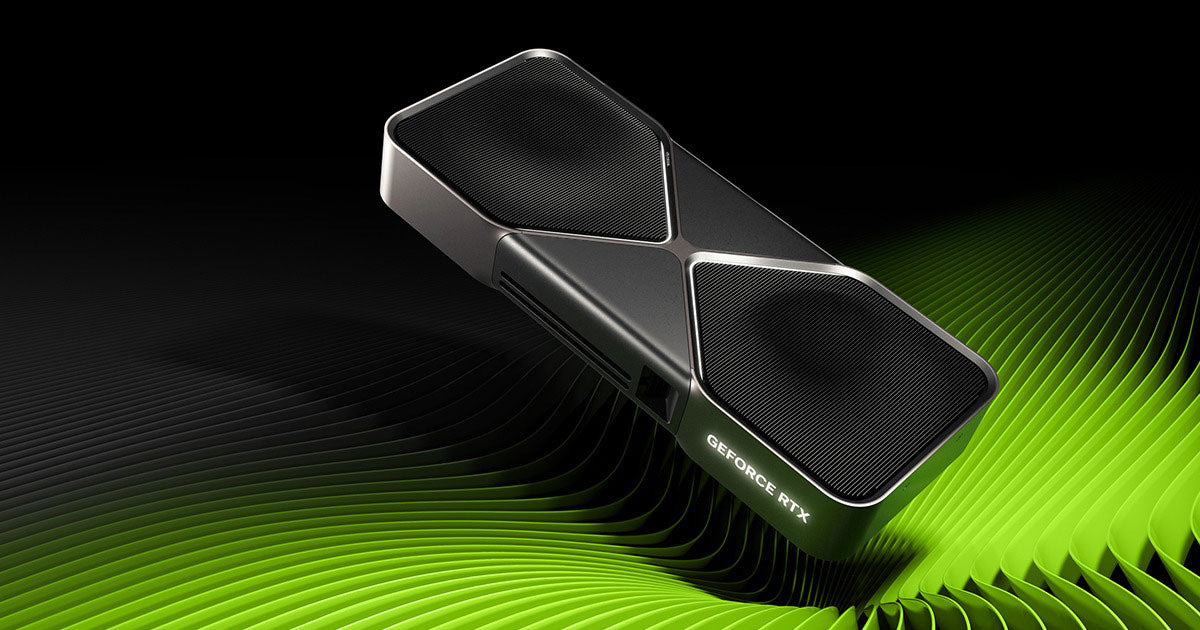
When it comes to Nvidia graphics cards, there are two different driver options available: Game Ready Drivers and Studio Drivers. Both are built on the same core technology, but they’re optimised for very different users. At Playtech, we make sure your PC has the right driver for your needs — whether that’s maximum performance in the latest games or stability and optimisation for creative software.
Game Ready Drivers
Nvidia’s Game Ready Drivers are designed for gamers. They’re updated frequently to deliver day-one support and optimisations for the latest game releases. If you’re buying a Playtech Gaming PC, we install the Game Ready Driver by default to ensure you get the best performance and smoothest experience in your favourite titles right out of the box.
Studio Drivers
Nvidia’s Studio Drivers are tailored for creators. These drivers are tested extensively with professional apps like Adobe Premiere Pro, DaVinci Resolve, Blender, and more. They provide better stability and performance for workloads like video editing, 3D rendering, and content creation. If you purchase one of our Playtech Workstation PCs, the Studio Driver is pre-installed to give you maximum reliability for professional software.
For our gaming systems, you can also request the Studio Driver instead of the Game Ready Driver — simply select the option on the product page before checkout.
How to Switch Between Game Ready and Studio Drivers
If you’d like to change drivers later on, it’s easy to do so through the Nvidia app:
-
Open the Nvidia App In the lower right corner of your screen, click the "hidden icons" arrow and select Nvidia Settings by clicking the icon below. Alternately you can press the windows key and type "Nvidia App" then press enter.

-
Go to the Drivers Section
Look for the Driver Preferences area.
-
Select Your Preferred Driver Type
Use the dropdown menu to choose either Game Ready Driver or Studio Driver.
(See screenshot of the dropdown menu below.)
-
The app will handle the rest — simply download and install the driver version you’ve selected.
Share:
Adding A New User Account to your Playtech PC