Introduction
Artificial intelligence has quickly become part of everyday life. From writing assistants and image generators to coding tools and productivity apps, AI is changing the way we work and create.
Most people experience AI through online services that run in the cloud. You open a website, type a request, and powerful computers somewhere else do the work for you.
But there is another option.
Local AI allows you to run artificial intelligence directly on your own computer, giving you more control over your tools, your data and your creative workflow.
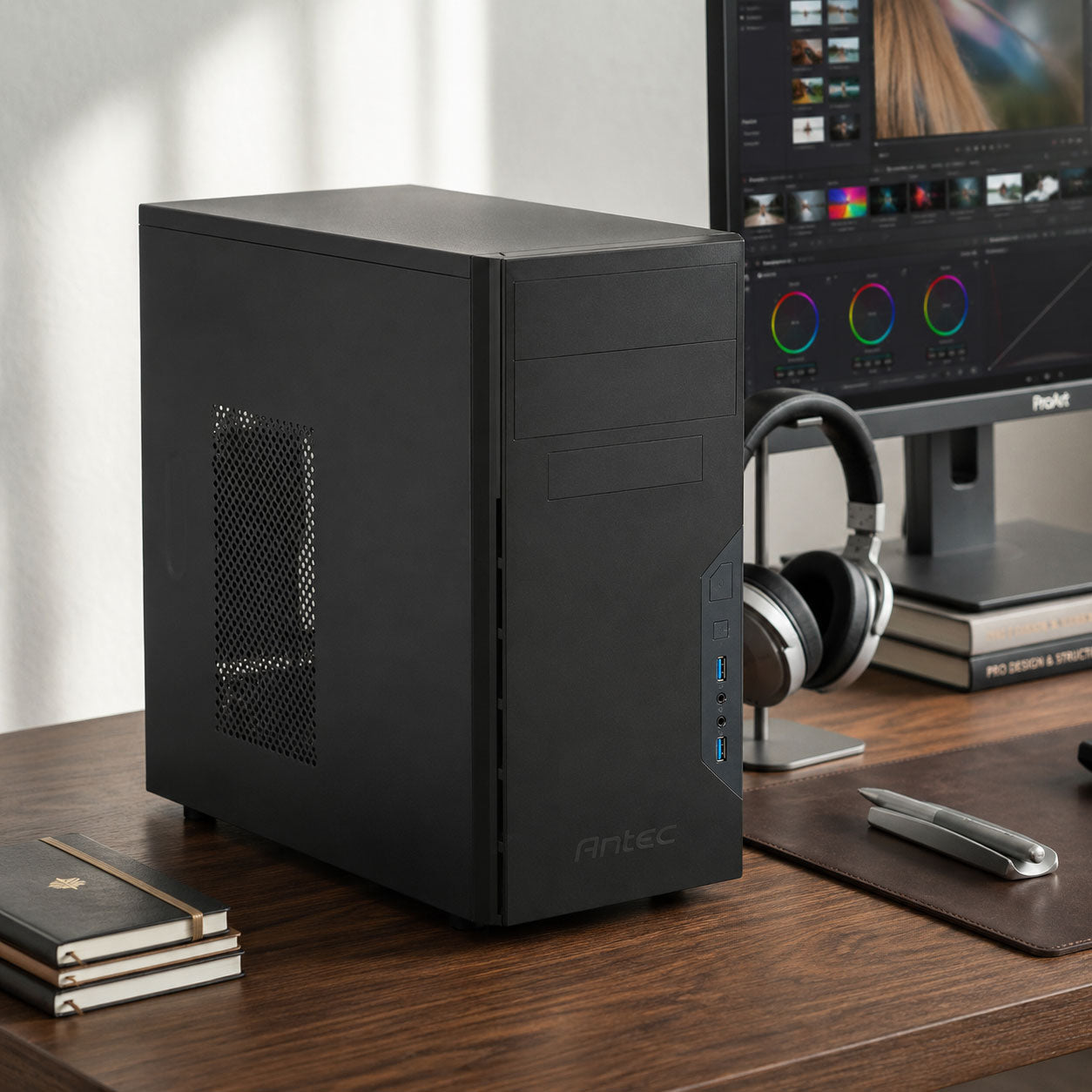
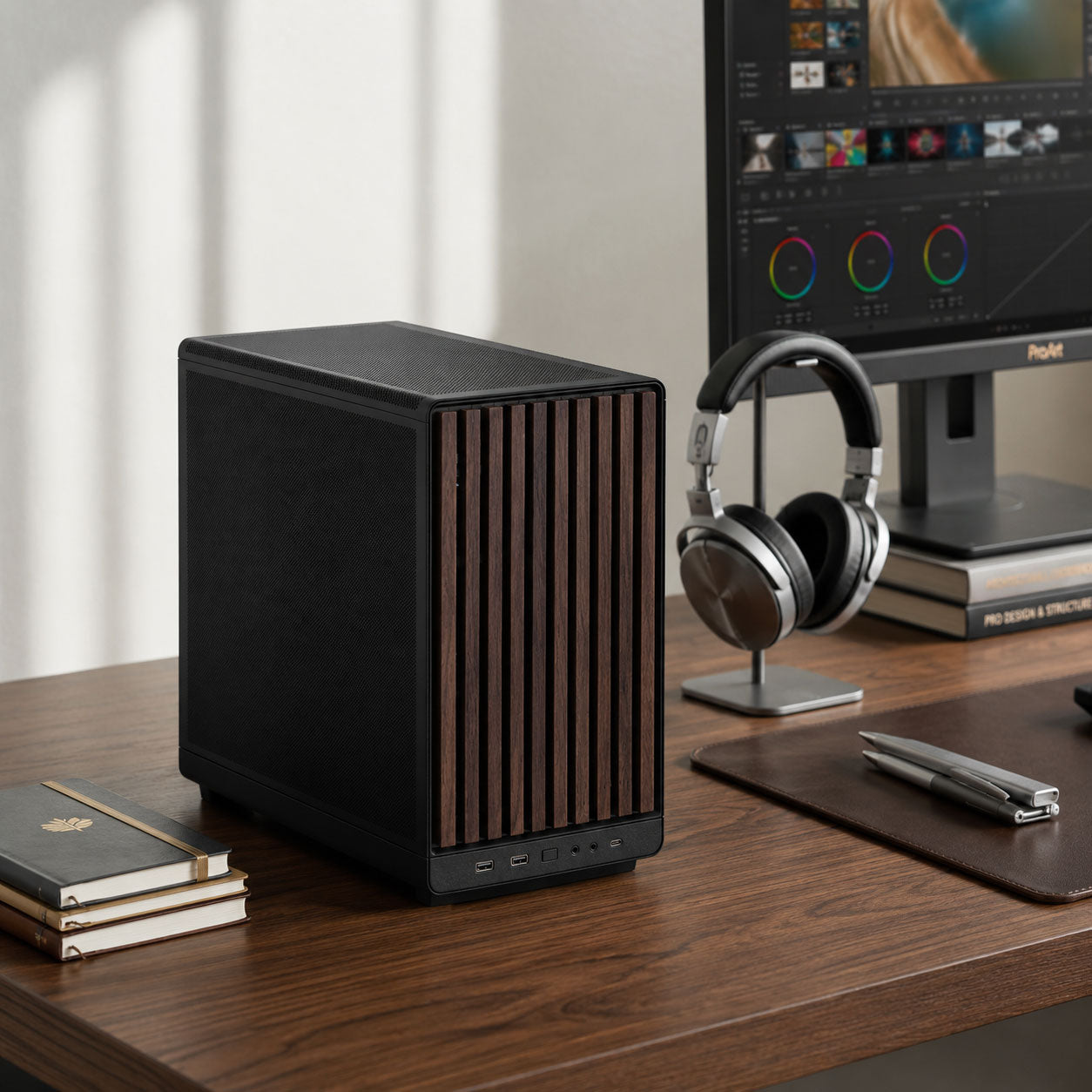
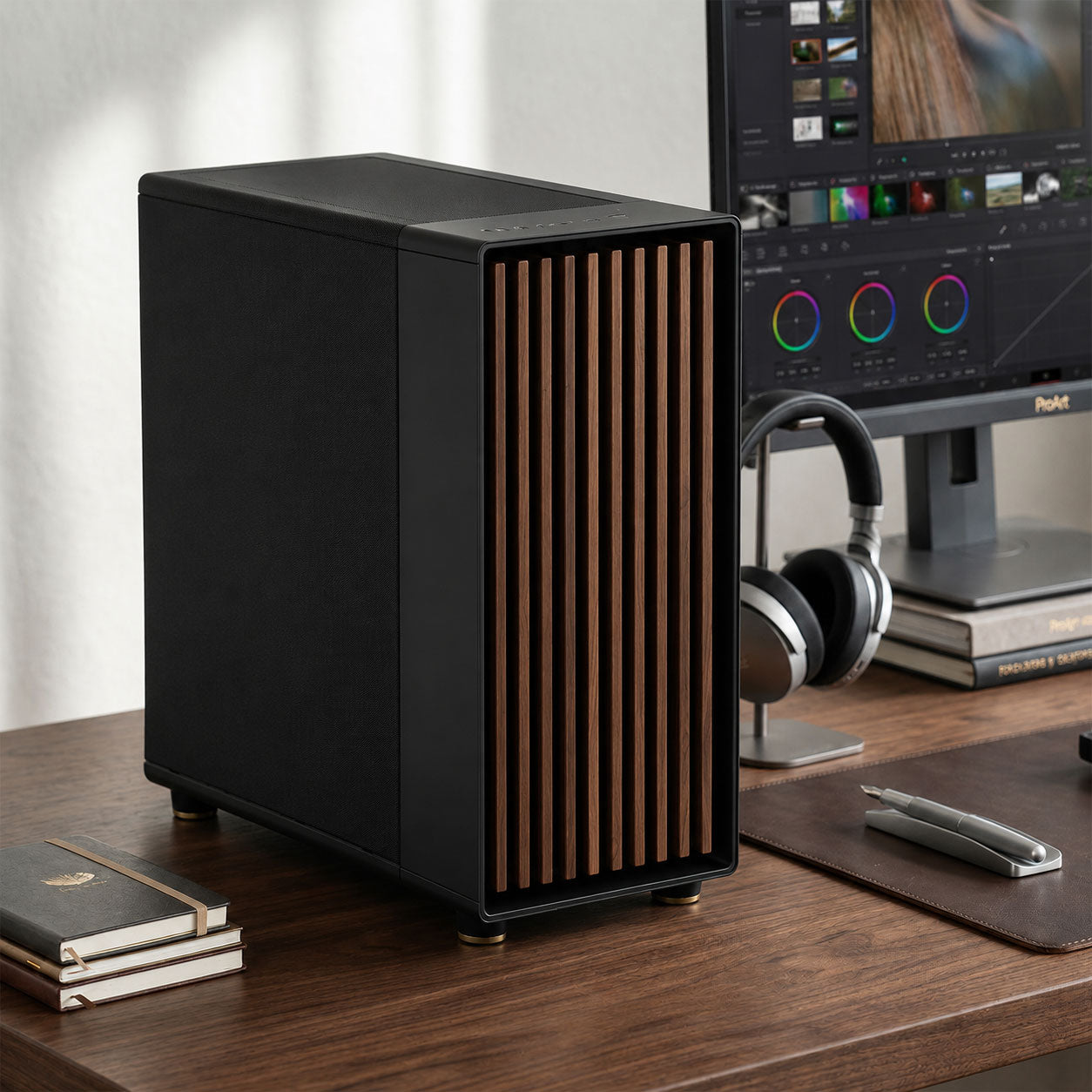
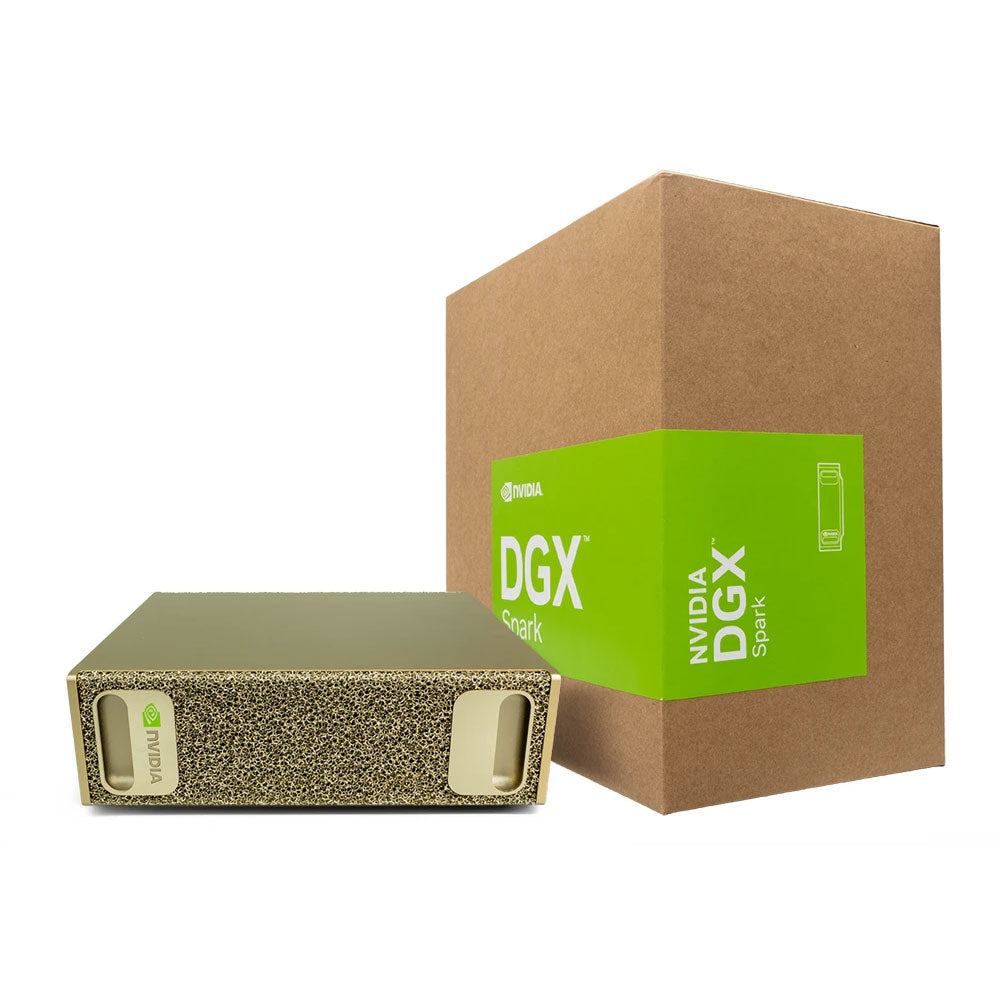
With the right hardware, your PC can become your own personal AI workstation.
What Is Local AI?
Local AI simply means running AI models directly on your own computer instead of sending your requests to a remote server.
Instead of your data travelling across the internet to a company's datacenter, your PC performs the processing itself.
This means you can use AI tools for:
- Writing and research
- Image generation
- Photo editing
- Coding assistance
- Document analysis
- 3D creation
- Video production
- Personal automation
All from a computer sitting on your desk.
No Monthly AI Subscriptions
Many popular AI platforms operate using subscription models. While these services are convenient, costs can quickly add up if you rely on multiple AI tools.
A local AI workstation works differently.
You purchase the hardware once, then have the freedom to explore compatible AI models without paying a monthly access fee.
This is especially useful for:
- Students experimenting with AI
- Creators producing large amounts of content
- Businesses working with internal documents
- Hobbyists who enjoy experimenting with new technology
Your PC becomes your AI platform.
Your Hardware, Your Rules
Cloud AI services are controlled by the companies operating them. They decide:
- Which models are available
- What features are included
- What subscription level you need
- How your data is processed
With local AI, you have much more control.
You choose the models you want to use, the applications you install and how your AI workflow operates.
Is Local AI Difficult To Use?
A few years ago, running AI locally was mostly something developers and enthusiasts experimented with.
Today, tools like local AI assistants and graphical interfaces have made the experience much more accessible.
Many AI applications can now be installed and used in a similar way to everyday software.
The technology is becoming easier every day, making local AI accessible to home users, creators and professionals.
Who Should Consider A Local AI Workstation?
A local AI workstation is ideal for anyone who wants to:
- Experiment with AI without subscriptions
- Keep their information private
- Create content locally
- Learn about emerging technology
- Build personalised AI workflows
- Own their AI hardware
Conclusion
Cloud AI services are convenient, but local AI offers something different: ownership, privacy and freedom.
A Playtech AI Workstation gives you the hardware foundation to explore the rapidly expanding world of artificial intelligence from your own home.